

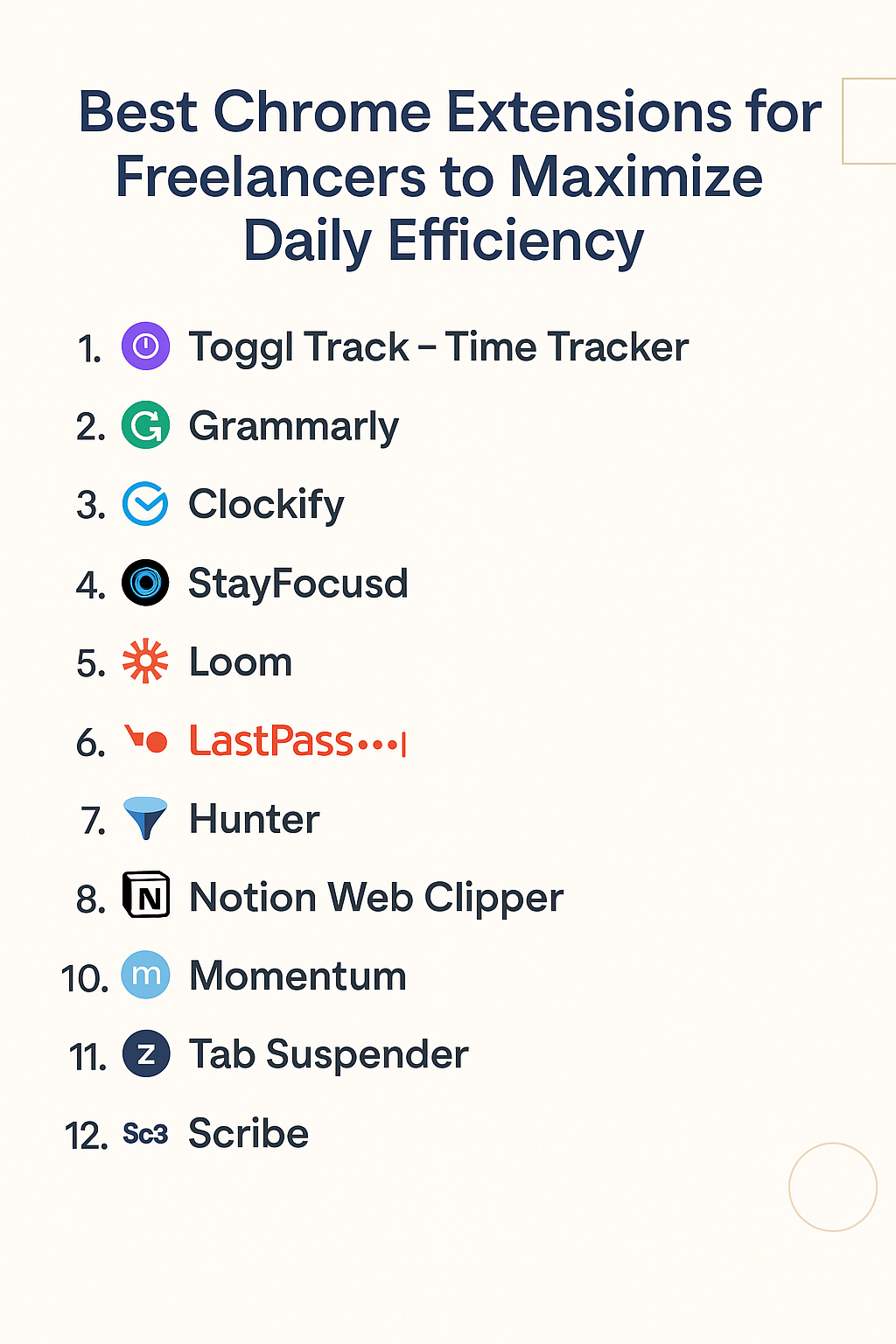
Chrome Extensions for Freelancers If you’re a freelancer, you know this life isn’t just about doing the work. It’s about managing time, tracking projects, avoiding distractions, finding new clients, replying to emails, keeping invoices organized — basically, juggling ten hats at once. The good news? You don’t have to do it alone.
Your browser — especially if you’re using Chrome — can become your assistant, your project manager, your time tracker, and even your virtual therapist (more on that later).
Here’s a list of Chrome extensions that freelancers swear by. They don’t just make your browser smarter; they help you work smarter too.
1. Toggl Track – Time Tracker Chrome Extensions for Freelancers
Let’s start with something every freelancer battles: time.
You think a task will take 30 minutes… and 2 hours later, you’re still fiddling with fonts.
Toggl Track helps you track exactly where your time goes. One click to start the timer, and boom — you’re tracking. Whether you’re designing, coding, writing, or just scrolling through cat memes (oops), it logs everything.
It integrates with apps like Asana, Trello, and Google Calendar, which makes it super easy to start tracking directly from those tools.
Pro tip: Start using this for a week and you’ll quickly discover your “time leaks.” Chrome Extensions for Freelancers.
2. Grammarly
Freelance writers, editors, and even designers — this one’s a must.
We all write. Emails. Client messages. Proposals. Content.
Grammarly helps make sure you’re not sending out embarrassing typos or confusing messages. It checks grammar, clarity, tone, and even suggests rewrites.
But here’s why it really matters for freelancers: You’re your own brand. A badly written email can make you look unprofessional. Grammarly ensures that doesn’t happen.
Also, it kinda saves you from re-reading everything five times.
3. Clockify
If Toggl feels too much for you, Clockify is a simpler time tracker Chrome Extensions for Freelancers.
It’s lightweight and perfect for freelancers who charge by the hour. You can even set up different projects or clients and generate detailed reports for invoices.
Plus, the Chrome extension makes starting/stopping timers very quick.
I once used it during a client Zoom call to track how much time went into just meetings. Spoiler alert: it added up fast.
4. StayFocusd
Distractions are brutal.
You open YouTube to check a tutorial… 45 minutes later, you’re watching how to make a sushi burrito.
StayFocusd limits how much time you can spend on time-wasting websites. You set the rules. Like 15 minutes max on Twitter per day.
Once you hit the limit? The site gets blocked for the rest of the day. Brutal but effective Chrome Extensions for Freelancers.
This helped me shave hours of wasted time every week.
5. Loom
Communication is key in freelancing, especially when clients are in different time zones.
Loom lets you record short videos of your screen (with voice or face) and send them instantly. Instead of writing long emails explaining how something works, just record a quick video walkthrough.
Clients love it. It adds a personal touch and saves both sides from miscommunication.
I use it a lot to explain website edits, content feedback, or project demos Chrome Extensions for Freelancers.
6. LastPass
Being a freelancer means dealing with dozens of logins: project tools, client portals, bank accounts, etc.
If you’re still saving passwords in a text file or your notebook (yes, I used to), stop right now.
LastPass saves your passwords securely and auto-fills them when needed. It also generates strong passwords, which you can’t possibly remember — but don’t worry, LastPass remembers for you.
It’s a lifesaver if you’re managing multiple clients or switching devices often Chrome Extensions for Freelancers.
7. Hunter
Looking for new freelance gigs? Pitching to clients via cold emails?
Hunter helps you find professional email addresses tied to websites. Just go to a company’s website, click the Hunter icon, and boom — you get a list of verified email contacts.
It’s not 100% perfect, but it’s a great starting point when you’re trying to contact someone specific.
I once used it to land a big long-term client just by emailing the founder directly (thanks, Hunter!) Chrome Extensions for Freelancers.
8. OneTab
Your browser is full of tabs. You promised you’d close them. You never do.
Enter: OneTab. It turns all your open tabs into a simple list — in one tab. It reduces memory use and declutters your workspace.
You can restore the tabs anytime, even organize them by topic or project.
I use it at the end of every workday. It feels like cleaning your desk — but digitally Chrome Extensions for Freelancers.
9. Notion Web Clipper
If you use Notion (and you should), this extension lets you save anything from the web — articles, images, research — straight into your Notion workspace.
It’s perfect for freelancers who are content creators, researchers, or just idea hoarders (guilty).
I clip blog ideas, swipe copy, and even competitor pages into a “Freelance Swipe File” database I revisit weekly.
10. Momentum
This one’s more personal.
Momentum replaces your default new tab with a calming dashboard. It shows your to-do list, focus for the day, weather, and an inspiring quote — all on a beautiful scenic background Chrome Extensions for Freelancers.
It sounds simple. But trust me, it’s a small thing that brings calm and focus to chaotic days.
Freelancing isn’t always easy. Some mornings, it’s hard to even start. Momentum helps shift your mindset subtly.
11. Tab Suspender
When your computer slows down because you have 40 tabs open — but you’re not ready to close any of them — use Tab Suspender.
It automatically “suspends” inactive tabs, saving your RAM. When you go back to the tab, it reloads.
Simple idea. Big performance boost.
Especially useful for freelancers working on older laptops or with limited resources Chrome Extensions for Freelancers.
12. Scribe
Need to create tutorials or client guides?
Scribe records your screen and automatically turns your actions into step-by-step written instructions — complete with screenshots.
It’s perfect for explaining how to use tools, access files, or follow processes.
I’ve used it to onboard new clients and even show VA’s how to manage my social posts Chrome Extensions for Freelancers.
Final Thoughts
Freelancing gives you freedom, but it also comes with chaos. These Chrome extensions won’t magically make your life perfect, but they will buy you time, sanity, and structure — and that’s priceless.
Here’s the thing — don’t try to install all of them at once. Start with 2 or 3 based on your current struggles.
- Struggling with distractions? Try StayFocusd.
- Need better communication? Try Loom.
- Want smoother task handling? Use Notion + Toggl.
Keep testing. Keep improving.
Your browser can either be a black hole of distraction or your digital toolbox. The choice is yours.
